
Course and roster data duplicated across systems
01Enrollments are maintained in the SIS, LMS and third-party tools separately, so students end up in the wrong section or lose access.
We build learning platforms, assessment tools and administrative systems that plug into your LMS and SIS through standards like LTI and OneRoster, with student privacy, accessibility and educator control designed in.
EdTech founders, K-12 districts, colleges, training organizations and education administrators

THE OPERATIONAL GAP
Schools and EdTech products struggle most where rosters, grades and access move between systems.
Enrollments are maintained in the SIS, LMS and third-party tools separately, so students end up in the wrong section or lose access.
Grades and comments are spread across tools, making it hard to show how a grade was reached or to handle appeals.
Families receive messages from several systems with conflicting information about grades, attendance and deadlines.
Administrators export and merge spreadsheets for every progress, compliance or funding report.
Enrollments are maintained in the SIS, LMS and third-party tools separately, so students end up in the wrong section or lose access.
Grades and comments are spread across tools, making it hard to show how a grade was reached or to handle appeals.
Families receive messages from several systems with conflicting information about grades, attendance and deadlines.
Administrators export and merge spreadsheets for every progress, compliance or funding report.
WHAT WE BUILD
We build tools that fit into existing school ecosystems rather than adding another disconnected login.
01
Course delivery, content and progress tracking, either standalone or extending your LMS through LTI.
02
Enrollment, scheduling, attendance and records workflows integrated with your SIS.
03
Assignment, rubric, grading and feedback tools with grade passback and moderation trails.
04
Multi-organization platforms for course catalogs, registration, payments and certificates.
01
Course delivery, content and progress tracking, either standalone or extending your LMS through LTI.
02
Enrollment, scheduling, attendance and records workflows integrated with your SIS.
03
Assignment, rubric, grading and feedback tools with grade passback and moderation trails.
04
Multi-organization platforms for course catalogs, registration, payments and certificates.
WORKFLOW EXAMPLE
An example learning flow. Roles, grading rules and reporting access are set with your academic team.
InputSIS enrollment or self-registration
OutputEnrollment record with program, section and term
01InputEnrollment record and roster sync
OutputLMS access with correct role, section and accommodations
02InputCourse content and assessment schedule
OutputSubmitted work with timestamps and accessibility settings applied
03InputSubmissions, rubric scores and any AI-suggested feedback
OutputEducator-approved grade and feedback with audit trail
Review required
04InputApproved grades
OutputGrade passback to SIS, learner dashboards and authorized reports
05SYSTEM DESIGN
A reference design built on education interoperability standards where your vendors support them.
SIS and enrollment data -> Roster and identity integration -> LMS or learning application -> Assessment and grading workflow -> Learner, educator and admin dashboards
01
Supplies students, sections, enrollments and terms as the record of truth.
02
Syncs rosters via OneRoster or vendor APIs and provides single sign-on through your identity provider.
03
Delivers content and activities, launched through LTI 1.3 where it extends an existing LMS.
04
Manages submissions, rubrics, educator review and grade passback.
05
Show progress and reports scoped to each user's role and relationship to the student.
Technology
These tools are already in published projects with a similar shape of work. The set for your release is confirmed once the interfaces and review points are known.
DESIGN TRADE-OFFS
Standards support and student privacy obligations drive most of these decisions.
Standards make integration repeatable across schools, but vendor support and versions vary. Custom APIs may be needed for specific SIS platforms.
Check each target LMS and SIS for LTI 1.3 and OneRoster certification.
AI can support practice, hints and draft feedback. Grades that affect progression or credentials should stay under educator control.
Evaluate AI output on real, de-identified student work with educators.
Serving many schools requires strict data separation, per-district settings and data-processing agreements for each customer.
Map privacy agreements and data residency needs per customer type.
Standards make integration repeatable across schools, but vendor support and versions vary. Custom APIs may be needed for specific SIS platforms.
Check each target LMS and SIS for LTI 1.3 and OneRoster certification.
AI can support practice, hints and draft feedback. Grades that affect progression or credentials should stay under educator control.
Evaluate AI output on real, de-identified student work with educators.
Serving many schools requires strict data separation, per-district settings and data-processing agreements for each customer.
Map privacy agreements and data residency needs per customer type.
SECURITY & COMPLIANCE
We design for FERPA, COPPA and state student-privacy requirements as they apply to your product and customers.
FERPA applies to education records held by institutions receiving federal funds and to vendors acting on their behalf; COPPA applies to online services collecting data from children under 13. Many states add student-privacy laws and data-privacy agreements.
Student data is used only for the contracted educational purpose, minimized and protected with additional safeguards for children under 13.
Access reflects each user's role and relationship, such as teacher of record or verified guardian.
Interfaces and content are built and tested against WCAG 2.2 AA, including keyboard, screen reader and caption support.
Grade changes, AI-assisted suggestions and overrides are logged with who made them and why.
DELIVERY APPROACH
We plan around the academic calendar so launches don't land mid-term.
01
Map users, courses, programs and the data each role needs.
Signed role and data inventory, including privacy agreements in force.
02
Map SIS and LMS fields for sections, enrollments and grades.
Approved mappings and sync rules for adds, drops and section changes.
03
Deliver enrollment to graded progress for one course or program.
Working journey tested with educators and test students.
04
Run accessibility audits and test late work, regrades and roster changes.
Accessibility audit results and grading exception tests passed.
05
Release before a term starts with training and sync monitoring.
Launch plan aligned to the academic calendar, training and support owners signed off.
Published work
Each card is a published project. The industry on the card is the one that work was built for.
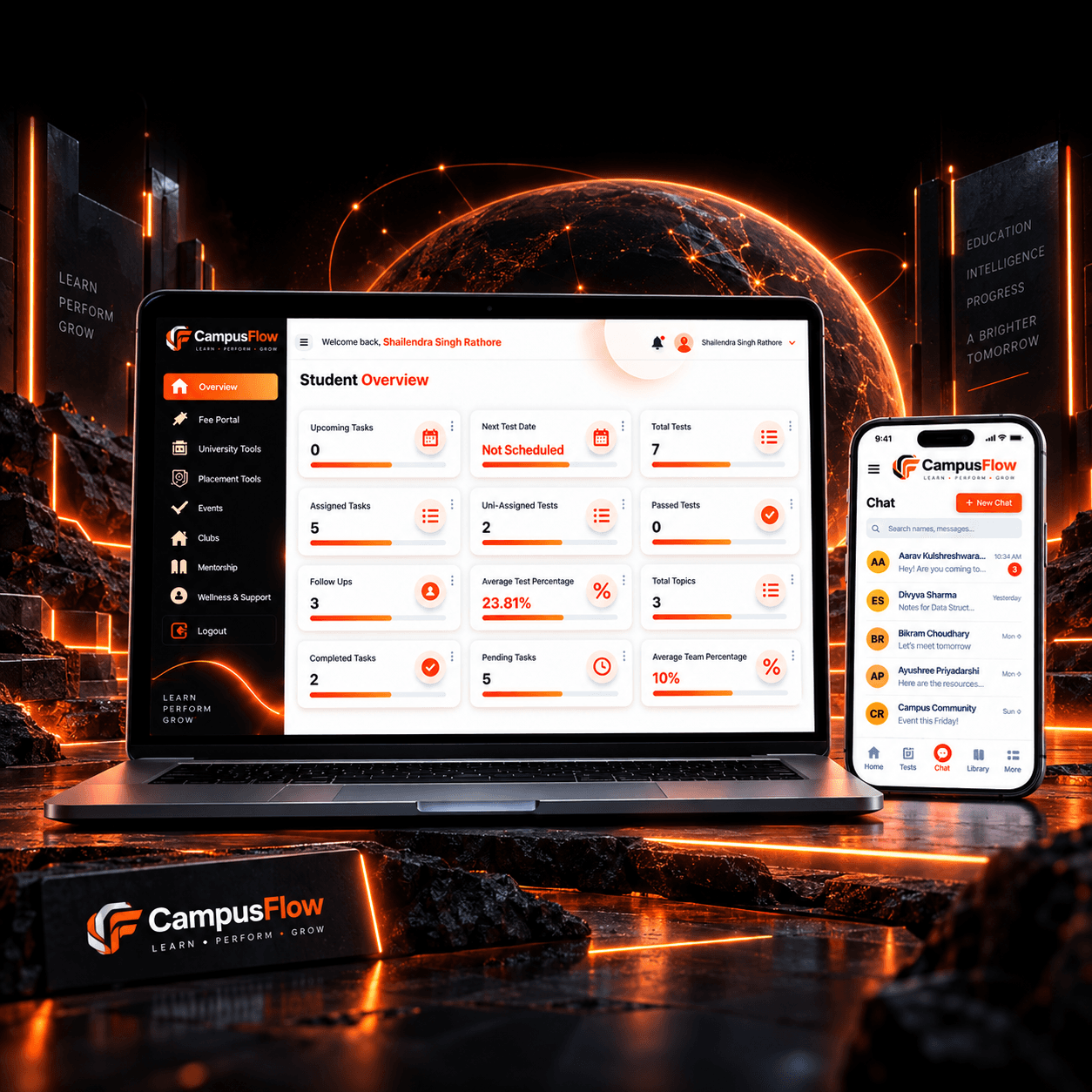
EdTech / Student Management
The client needed one system to manage student activities without using separate tools or manual records.
Read the project
EdTech / Education Administration
The institute faced the following challenges in managing its daily operations.
Read the project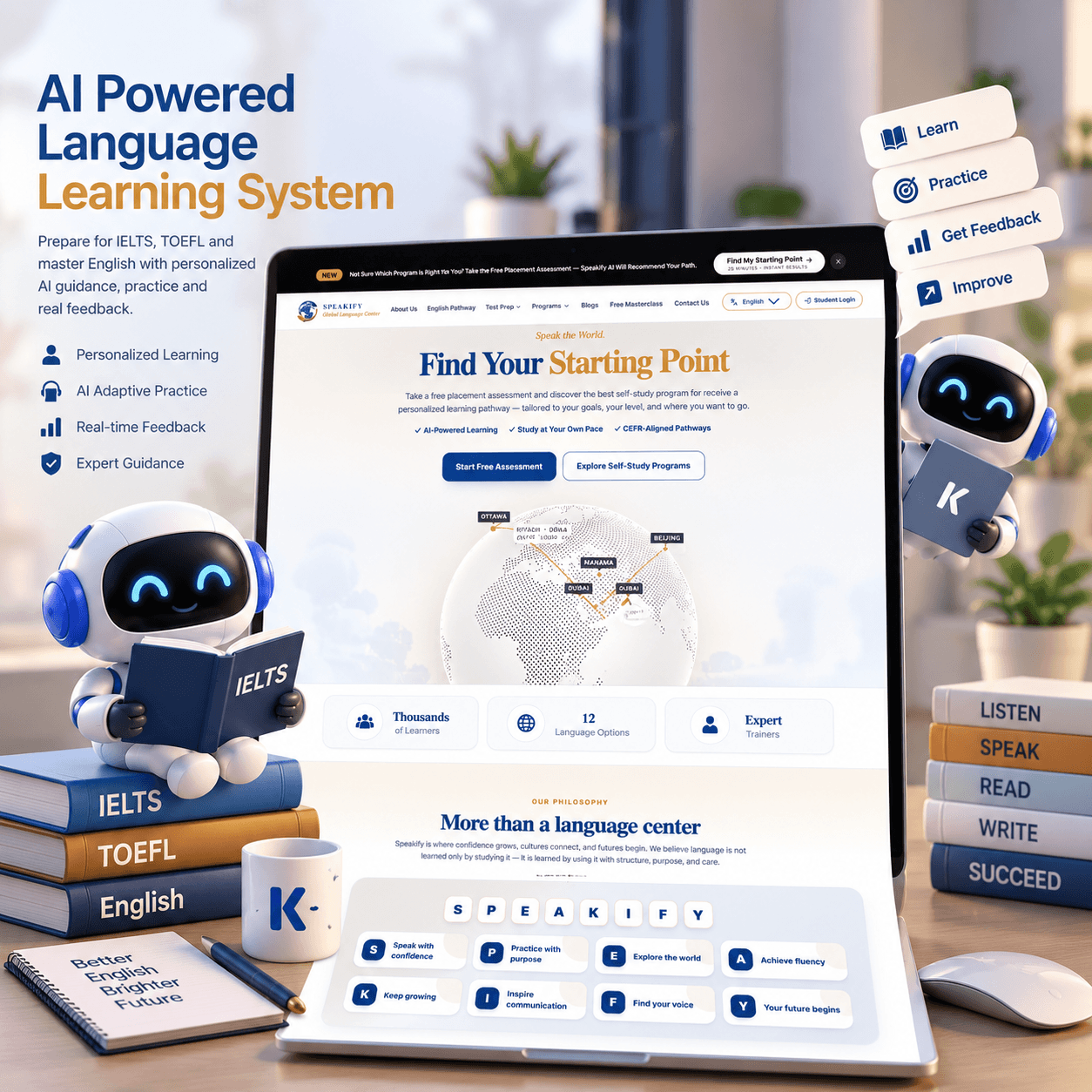
EdTech and Language Education
While understanding the platform needs, we found the following problems faced by learners, instructors, and the institution:
Read the projectFrom the journal
Recent notes from the team. Pieces that match this industry are shown first.

Case Studies

AI Integration & Automation

AI SaaS & Product Development
PROJECT PLANNING
These questions shape integration, privacy and launch timing.
Which LMS, SIS and identity provider do you or your customers use?
Are users children under 13, K-12 students, adult learners or a mix?
Which grades or credentials does the product affect, and who approves them?
Which state privacy agreements or district requirements apply?
When does the next term start, and what must be ready by then?
LMS and SIS sandbox access
Student data privacy agreements
Educator reviewers
Academic calendar and launch window
LMS and SIS sandbox access
Student data privacy agreements
Educator reviewers
Academic calendar and launch window
Yes, typically through LTI 1.3 for launch and grade passback, and OneRoster or vendor APIs for rosters. We confirm which standards and versions each platform supports in your environment.
AI can suggest rubric scores and draft feedback to save educator time, but educators should review and approve grades that affect progression or credentials. We test suggestions against educator grading before use.
We minimize what is collected, restrict access by role and relationship, encrypt data, log access and support data-deletion requests, and build to the requirements of FERPA, COPPA and applicable state laws and agreements.
Yes. Multi-institution platforms need tenant separation, per-customer settings and roster sync, and privacy agreements with each customer. We design for that from the start.
We design and test against WCAG 2.2 AA, including keyboard navigation, screen readers, captions and color contrast, and document results so you can respond to accessibility reviews.
The institution owns the student data. The learning system and identity provider remain under the school's agreements. We document what is copied into the new platform and how a student or staff account is removed.
Yes. A product used by more than one school or district is built so one tenant cannot read another's students, grades, or files.
One course flow or one admin task, connected to the system that already holds the roster. Grading that changes an official record waits until a faculty owner has defined what the software is allowed to do.
Yes, when the school can provide SSO. We use that directory for staff and, where it exists, for students, instead of creating a second password for every user.
Tell us who your learners are and which systems you connect to. We'll scope a first release ready before your next term.
Tell us how the work runs today, which systems already hold the data, and what a useful first release would change. We use that to judge scope before anyone writes a proposal.
The form goes to a solutions architect at THE TISA. You get a direct reply on fit, approach, and what we would need from your team.
Tell us about the workflow or product. A solutions architect replies within one business day.