
Residents re-enter the same information
01Applicants fill in similar forms for related programs or departments because data isn't shared, increasing errors and drop-off.
We build accessible online services and case management tools that let residents apply once, let staff see every case in one place, and connect to legacy agency systems without a risky big-bang replacement.
State and local agencies, civic technology organizations and government contractors









THE OPERATIONAL GAP
Residents judge a service by how easy it is to finish. Staff judge it by how easy it is to process. These are the common breakdowns.
Applicants fill in similar forms for related programs or departments because data isn't shared, increasing errors and drop-off.
Applications pass between teams by email and paper, so neither staff nor residents can see where a case stands.
Core records sit in mainframe or vendor systems that expose little or no API, making every new service a manual workaround.
PDF forms, unclear language and poor mobile support exclude residents who use assistive technology or only have a phone.
Applicants fill in similar forms for related programs or departments because data isn't shared, increasing errors and drop-off.
Applications pass between teams by email and paper, so neither staff nor residents can see where a case stands.
Core records sit in mainframe or vendor systems that expose little or no API, making every new service a manual workaround.
PDF forms, unclear language and poor mobile support exclude residents who use assistive technology or only have a phone.
WHAT WE BUILD
We build around user research with residents and staff and integrate incrementally with existing systems of record.
01
Mobile-friendly, plain-language online services with save-and-resume, document upload and status tracking.
02
Digital applications, fee payment, review stages and inspections with status visible to applicants.
03
Shared case records, task queues, notes and decisions across departments, with full history.
04
Operational and public reporting on volumes, processing times and backlogs drawn from case data.
01
Mobile-friendly, plain-language online services with save-and-resume, document upload and status tracking.
02
Digital applications, fee payment, review stages and inspections with status visible to applicants.
03
Shared case records, task queues, notes and decisions across departments, with full history.
04
Operational and public reporting on volumes, processing times and backlogs drawn from case data.
WORKFLOW EXAMPLE
An example application flow. Eligibility rules, review stages and notices follow your program's policy and procedures.
InputOnline form on any device, or assisted entry by staff
OutputApplication record with uploaded documents and confirmation number
01InputSubmitted application
OutputCompleteness check results and automatic requests for missing items
02InputComplete application
OutputCase assigned to the right program, office and caseworker
03InputCase file and eligibility evidence
OutputDetermination or information request with reasons and reviewer recorded
Review required
04InputRecorded determination
OutputNotice to the applicant, appeal information and retained case history
05SYSTEM DESIGN
A reference design that modernizes the resident experience first and connects to legacy systems through adapters.
Accessible web portal -> Identity and agency role service -> Case workflow and evidence repository -> Legacy system adapter -> Notification and reporting services
01
Provides plain-language, Section 508-conformant forms with save-and-resume and status tracking.
02
Verifies residents to the level the service requires and controls staff access by role and office.
03
Holds cases, documents, tasks, notes and decisions with complete history.
04
Reads from and writes to existing systems of record through APIs, database interfaces or batch files.
05
Send notices by email, text or mail and produce operational and public reports.
Technology
A working set we already use for workflow software. The exact tools are chosen after the interfaces, records, and review points are known.
DESIGN TRADE-OFFS
Procurement, hosting authorization and due process requirements shape these choices.
Some agencies and data types require FedRAMP-authorized or StateRAMP-verified services or on-premises hosting. Others can use standard commercial cloud.
Confirm hosting and authorization requirements in the solicitation or with the agency's security office.
Rules can pre-check completeness and simple criteria, but determinations that affect benefits or rights need human review and explainable reasons for due process.
Map each determination to its policy basis and appeal requirements.
Full replacement is costly and risky. Modernizing the front end and integrating through adapters usually delivers value sooner.
Assess vendor contracts, data access and support timelines for each legacy system.
Some agencies and data types require FedRAMP-authorized or StateRAMP-verified services or on-premises hosting. Others can use standard commercial cloud.
Confirm hosting and authorization requirements in the solicitation or with the agency's security office.
Rules can pre-check completeness and simple criteria, but determinations that affect benefits or rights need human review and explainable reasons for due process.
Map each determination to its policy basis and appeal requirements.
Full replacement is costly and risky. Modernizing the front end and integrating through adapters usually delivers value sooner.
Assess vendor contracts, data access and support timelines for each legacy system.
SECURITY & COMPLIANCE
We design to the accessibility, records and security requirements set by your agency and contract.
Section 508 applies to federal agencies' ICT; state and local requirements vary, including updated ADA Title II web accessibility rules. FedRAMP and StateRAMP apply depending on the agency and data. Procurement eligibility should be confirmed for each opportunity.
Every form and screen is tested with automated tools, keyboard-only use and screen readers, with conformance documented.
Case records follow your retention schedules and can be searched and exported for public records requests.
Staff access is limited by role and office, and every view, change and decision is logged.
Hosting, encryption, identity and incident response are configured to the security controls your contract specifies.
DELIVERY APPROACH
We use user research and small pilots so each release improves service measurably.
01
Observe current processes and test them with residents, including assistive technology users.
Research findings, service map and prioritized pain points approved by the program owner.
02
Test plain-language forms and case stages with real users.
Usability-tested prototype and agreed case states and notices.
03
Deliver one service end to end with legacy integration.
Working service connected to the system of record in a test environment.
04
Run accessibility audits and test appeals, withdrawals and missing-information cases.
Accessibility conformance report and exception test results.
05
Launch to a limited group with completion and support metrics.
Pilot results on completion rate and processing time, with support owners signed off.
Published work
A published project in this industry is not in the portfolio yet. These are published projects from other operations. The industry on each card is the one that work was built for.
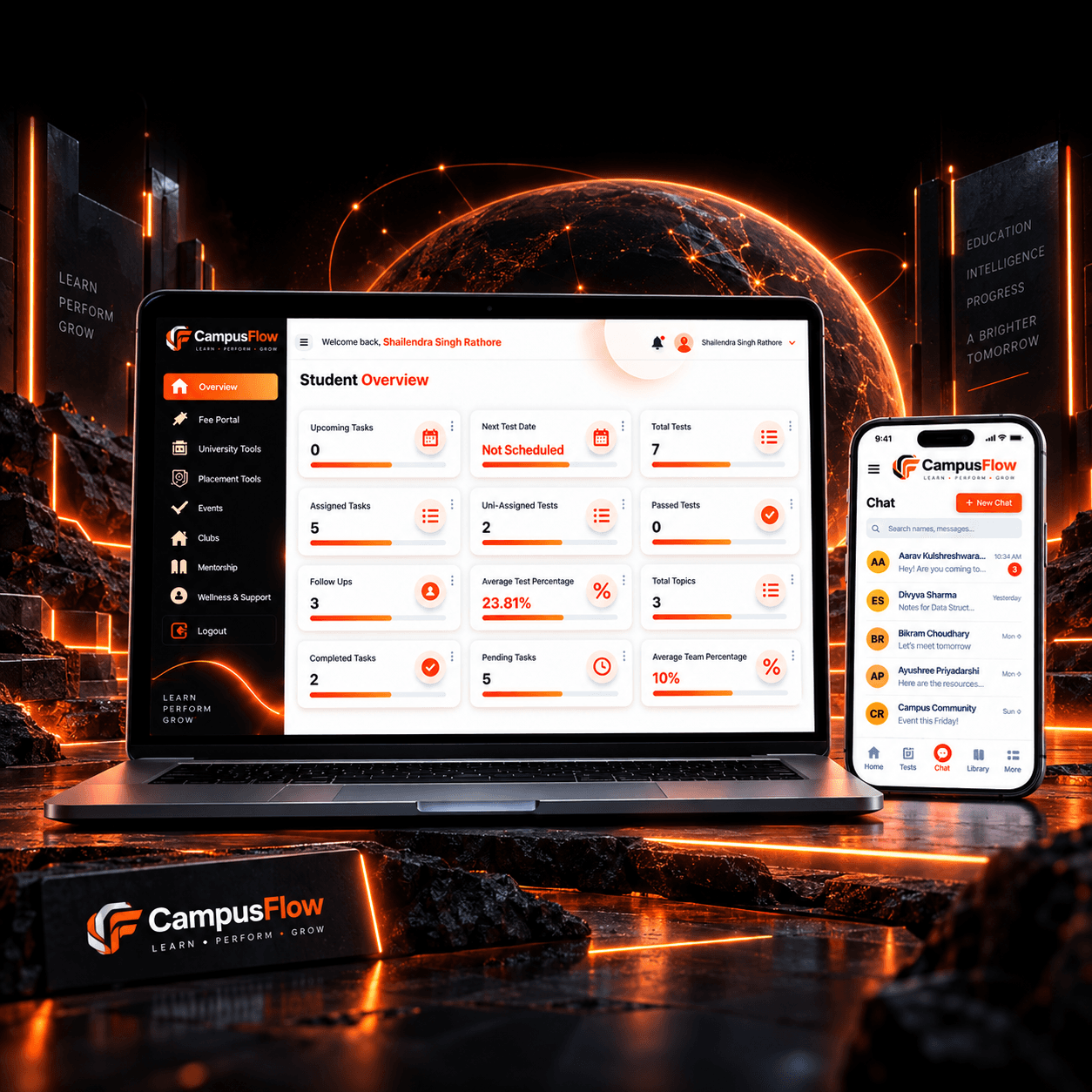
EdTech / Student Management
The client needed one system to manage student activities without using separate tools or manual records.
Read the project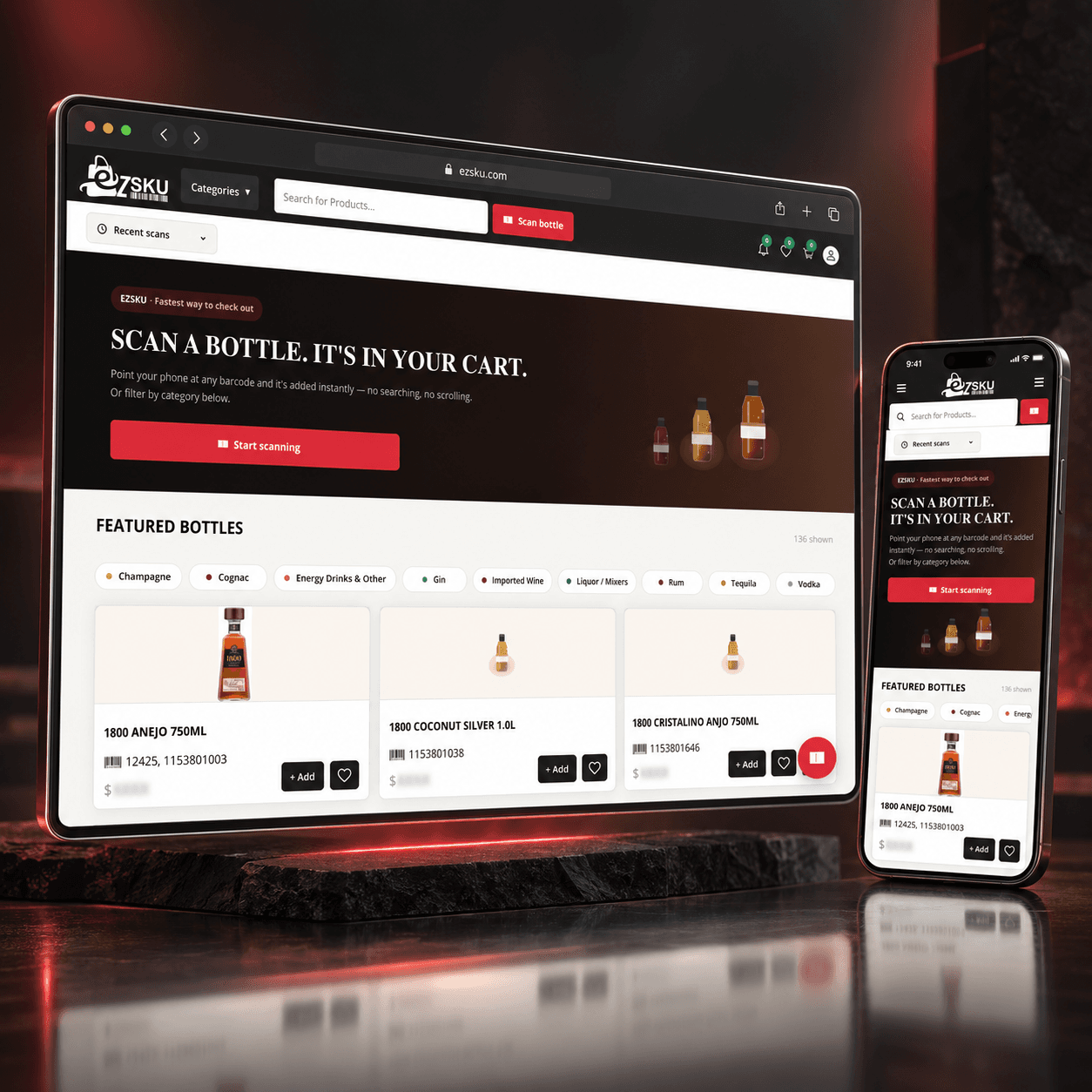
E-commerce / Beverage and Liquor Distribution
The client was facing several problems in the existing product search and ordering process:
Read the project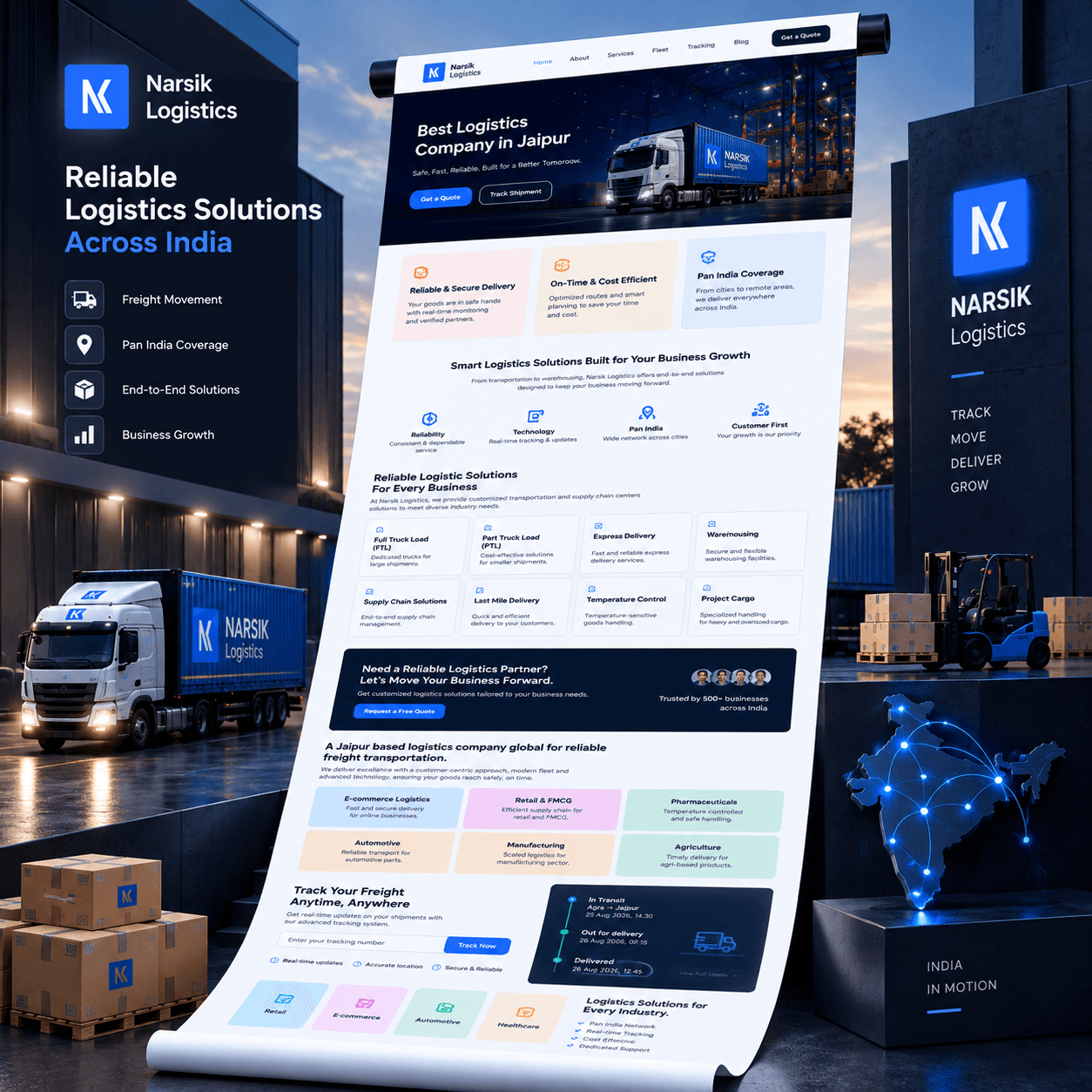
Transport and Logistics
Before building the platform, we identified the main issues in customer communication and shipment handling.
Read the projectFrom the journal
Recent notes from the team. Pieces that match this industry are shown first.
PROJECT PLANNING
These questions cover service design, integration and procurement.
Which program or service should be improved first, and who owns it?
Which systems hold the records of truth, and what access do they allow?
What hosting, security and accessibility requirements apply under your contract?
Which determinations require human review, notices or appeal rights?
How will success be measured, such as completion rate, processing time or call volume?
Program owner and policy expert
Legacy system access or vendor cooperation
Security and hosting authorization path
Procurement vehicle
Program owner and policy expert
Legacy system access or vendor cooperation
Security and hosting authorization path
Procurement vehicle
Yes. Where modern APIs aren't available, we use database interfaces, batch file exchanges or vendor-supported integration points, wrapped in an adapter so the new service doesn't depend on legacy internals.
We design to WCAG 2.1 AA or the level your contract specifies, test with automated tools, keyboard-only navigation and screen readers, fix issues before release and document conformance.
We don't recommend automated determinations. AI and rules can check completeness, extract document data and flag issues, but determinations should be made by authorized staff with reasons recorded to support notices and appeals.
The agency's data remains the agency's, stored in agency-approved environments. Code ownership and licensing are set in the contract; we can deliver under agency-owned or open-source terms.
Procurement routes vary by agency and contract value. Tell us how you buy, and we'll confirm whether we can contract directly, as a subcontractor or through another vehicle.
The agency owns the software we deliver and the records it holds, under the contract you sign. We do not reuse resident data for other clients. Source code handover and data return are written into the scope.
It can, when you provide the environment and the access rules. We build against that environment's network, logging, and identity requirements instead of a default commercial setup.
One service, one form or case type, and the staff queue that reviews it. Eligibility that grants or denies a benefit stays with a person until the agency has defined the rule and the appeal path.
Staff use the agency's identity system when one is available. Resident sign-in follows the identity method your security team already accepts, rather than a new account that the agency cannot revoke.
Share the service, the people who use it and the systems behind it. We'll outline a pilot and how its success would be measured.
Tell us how the work runs today, which systems already hold the data, and what a useful first release would change. We use that to judge scope before anyone writes a proposal.
The form goes to a solutions architect at THE TISA. You get a direct reply on fit, approach, and what we would need from your team.
Tell us about the workflow or product. A solutions architect replies within one business day.

