
Deadlines tracked across multiple calendars
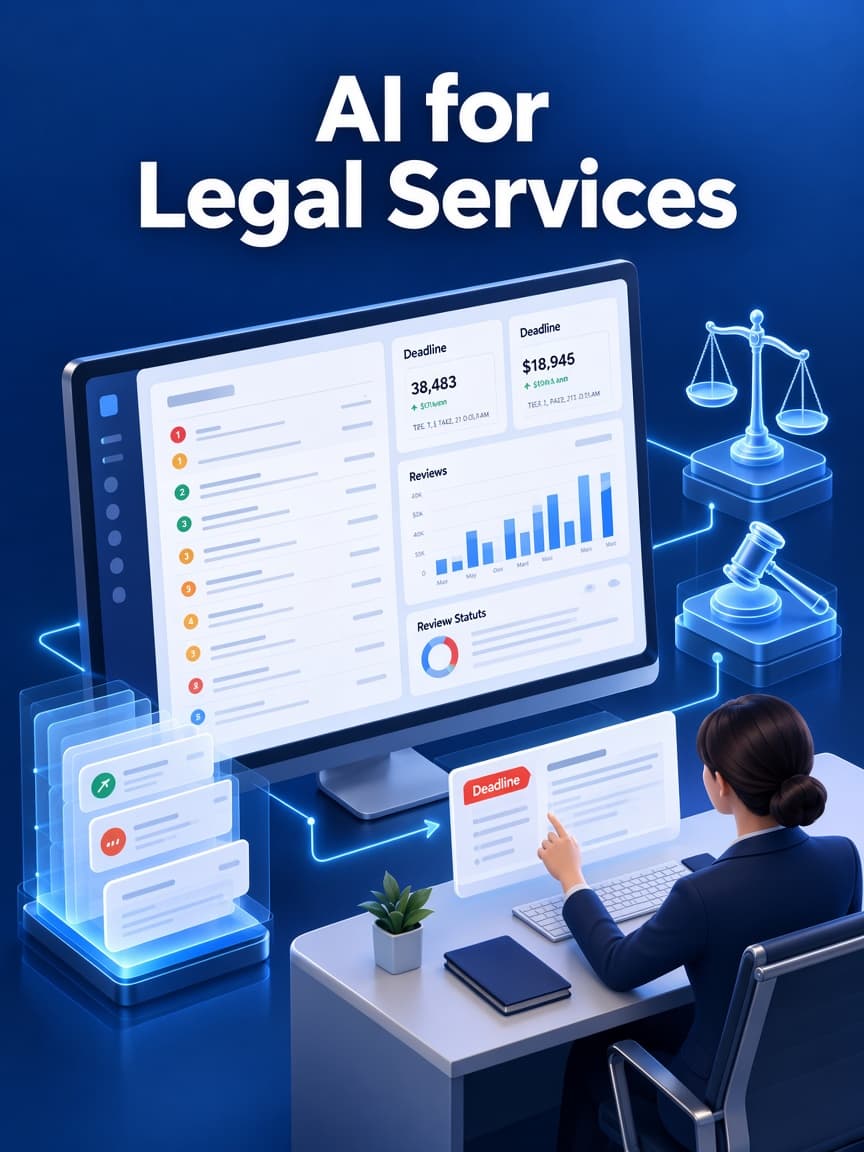
01Court dates and filing deadlines are copied into personal calendars by hand, with no central check that every date was captured.
We build matter management, calendaring and document tools for law firms and legal departments, with ethical walls, privilege controls and AI features that cite their sources and leave legal judgment with attorneys.
Law firms, corporate legal departments, legal operations teams and legal technology founders








THE OPERATIONAL GAP
Legal teams carry real risk when information is scattered. These are the gaps we look for first.
Court dates and filing deadlines are copied into personal calendars by hand, with no central check that every date was captured.
Pleadings, correspondence and evidence live in email and shared drives, so finding the latest version takes time and risks mistakes.
When matters change hands or staff are out, nobody is sure who owns each next step.
Updates to clients are sent from personal inboxes, leaving no shared record of what was communicated and when.
Court dates and filing deadlines are copied into personal calendars by hand, with no central check that every date was captured.
Pleadings, correspondence and evidence live in email and shared drives, so finding the latest version takes time and risks mistakes.
When matters change hands or staff are out, nobody is sure who owns each next step.
Updates to clients are sent from personal inboxes, leaving no shared record of what was communicated and when.
WHAT WE BUILD
We integrate with your practice management and document systems and build what off-the-shelf tools don't cover.
01
Matters, parties, conflicts data, tasks and notes in one record, with ethical walls applied.
02
Central docketing with court data feeds where available, rule references and attorney verification.
03
Classification, versioning and search across matter documents, with AI summaries that cite source pages.
04
Secure document exchange, status updates and intake for clients, plus workload views for supervising attorneys.
01
Matters, parties, conflicts data, tasks and notes in one record, with ethical walls applied.
02
Central docketing with court data feeds where available, rule references and attorney verification.
03
Classification, versioning and search across matter documents, with AI summaries that cite source pages.
04
Secure document exchange, status updates and intake for clients, plus workload views for supervising attorneys.
WORKFLOW EXAMPLE
An example matter flow. Deadline rules, review steps and access restrictions are agreed with your attorneys.
InputIntake form and conflicts check result
OutputMatter record with client, parties, practice area and responsible attorney
01InputMatter record and incoming documents
OutputClassified documents filed to the matter with versions tracked
02InputCourt notices, orders and engagement terms
OutputProposed deadlines and tasks with assigned owners
03InputAI-generated summaries, drafts and calculated dates
OutputAttorney-verified deadlines and approved work product
Review required
04InputApproved work product and dates
OutputCalendar entries, notifications and complete matter history
05SYSTEM DESIGN
A reference design that enforces confidentiality first and keeps every AI output traceable to its sources.
Matter and document store -> Permissions and ethical-wall service -> Calendar and docket data adapter -> Search and AI document processing -> Client communication portal
01
Holds matters, documents and versions with matter-level access and retention settings.
02
Enforces matter-level access, ethical walls and privilege restrictions on every request.
03
Imports court notices and docket data where available and syncs verified deadlines to calendars.
04
Indexes documents for search and generates summaries that cite source documents and pages.
05
Shares selected documents and updates with clients and records every exchange.
Technology
A working set we already use for workflow software. The exact tools are chosen after the interfaces, records, and review points are known.
DESIGN TRADE-OFFS
Professional responsibility rules shape these choices as much as technology does.
Court data feeds and docketing services reduce missed dates, but coverage varies by court and jurisdiction. Manual entry with verification remains necessary where feeds don't exist.
Check coverage for the courts where you practice.
Retrieval-augmented search grounded in your matter documents, with citations, is far safer than open-ended AI answers that may invent authority.
Test answers against known questions on a closed set of matters.
Reminders track known dates; computing deadlines from rules requires jurisdiction-specific logic and attorney verification.
Confirm which rule sets apply and who verifies computed dates.
Court data feeds and docketing services reduce missed dates, but coverage varies by court and jurisdiction. Manual entry with verification remains necessary where feeds don't exist.
Check coverage for the courts where you practice.
Retrieval-augmented search grounded in your matter documents, with citations, is far safer than open-ended AI answers that may invent authority.
Test answers against known questions on a closed set of matters.
Reminders track known dates; computing deadlines from rules requires jurisdiction-specific logic and attorney verification.
Confirm which rule sets apply and who verifies computed dates.
SECURITY & COMPLIANCE
We design for lawyers' duties of confidentiality and competence, including when AI tools are used.
Software does not provide legal advice. ABA Formal Opinion 512 and state bar guidance address lawyers' use of generative AI; court data availability and deadline rules vary by jurisdiction.
Privileged and confidential materials are marked, access-restricted and excluded from AI processing where your policy requires.
Users see only matters they are staffed on, and walled users are blocked from restricted matters and their search results.
Documents keep immutable version history and hashes so you can show what existed and when.
AI-generated summaries, drafts and deadline calculations are marked as drafts until an attorney approves them.
DELIVERY APPROACH
We start with one practice group and expand once attorneys trust the system.
01
Document practice areas, courts, current tools and deadline sources.
Signed inventory of systems, courts and deadline rule sources.
02
Define roles, matter staffing, ethical walls and AI usage policy.
Approved access model and AI usage rules for the pilot group.
03
Deliver intake, document filing and deadline tracking for one group.
Working workflow used on pilot matters with attorney verification.
04
Attempt access across walls and test deadline changes and continuances.
Test results for wall enforcement, deadline updates and audit logs.
05
Go live with backup docketing checks and support ownership.
Docketing backup procedure, monitoring and responsible owners signed off.
Published work
A published project in this industry is not in the portfolio yet. These are published projects from other operations. The industry on each card is the one that work was built for.

EdTech / Student Management
The client needed one system to manage student activities without using separate tools or manual records.
Read the project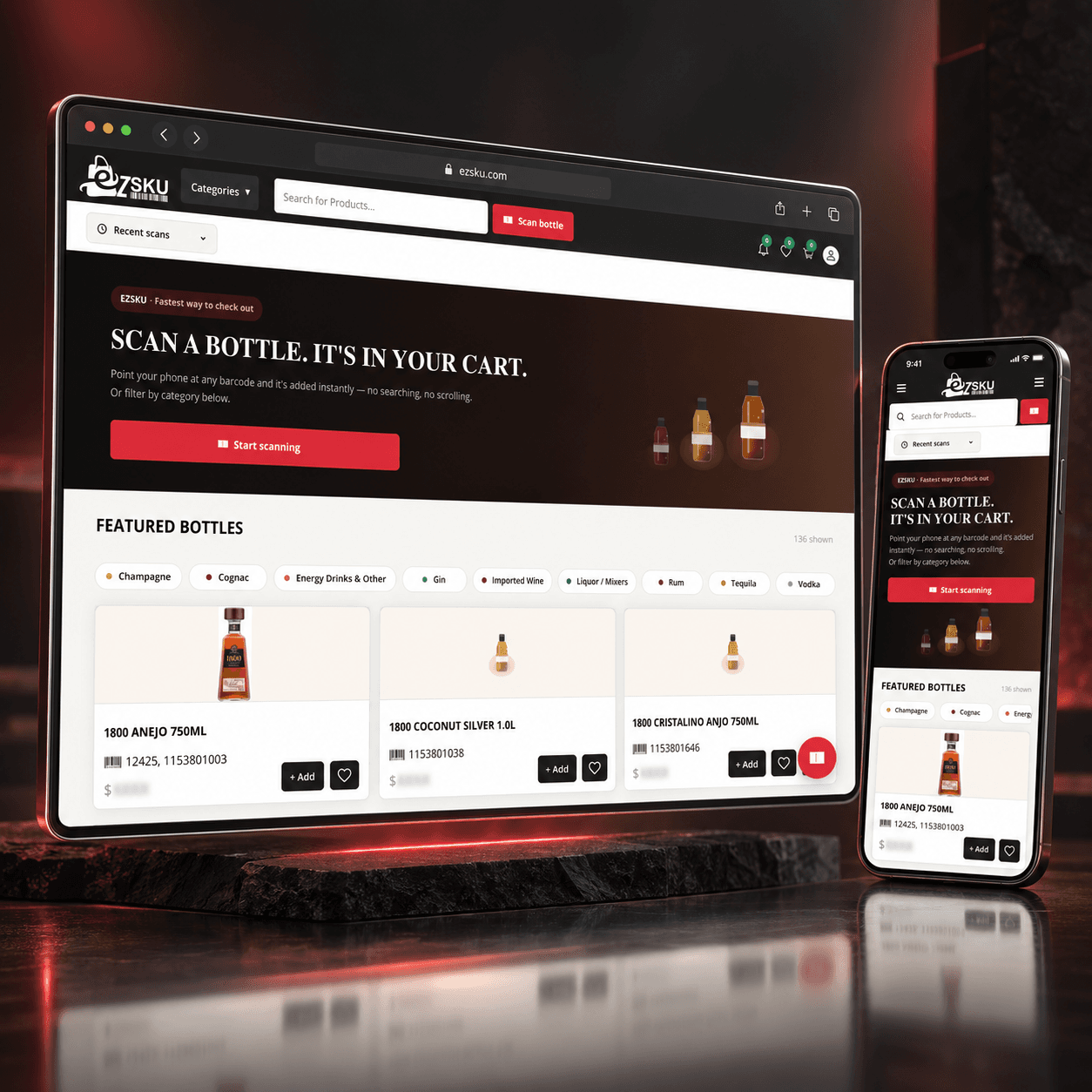
E-commerce / Beverage and Liquor Distribution
The client was facing several problems in the existing product search and ordering process:
Read the project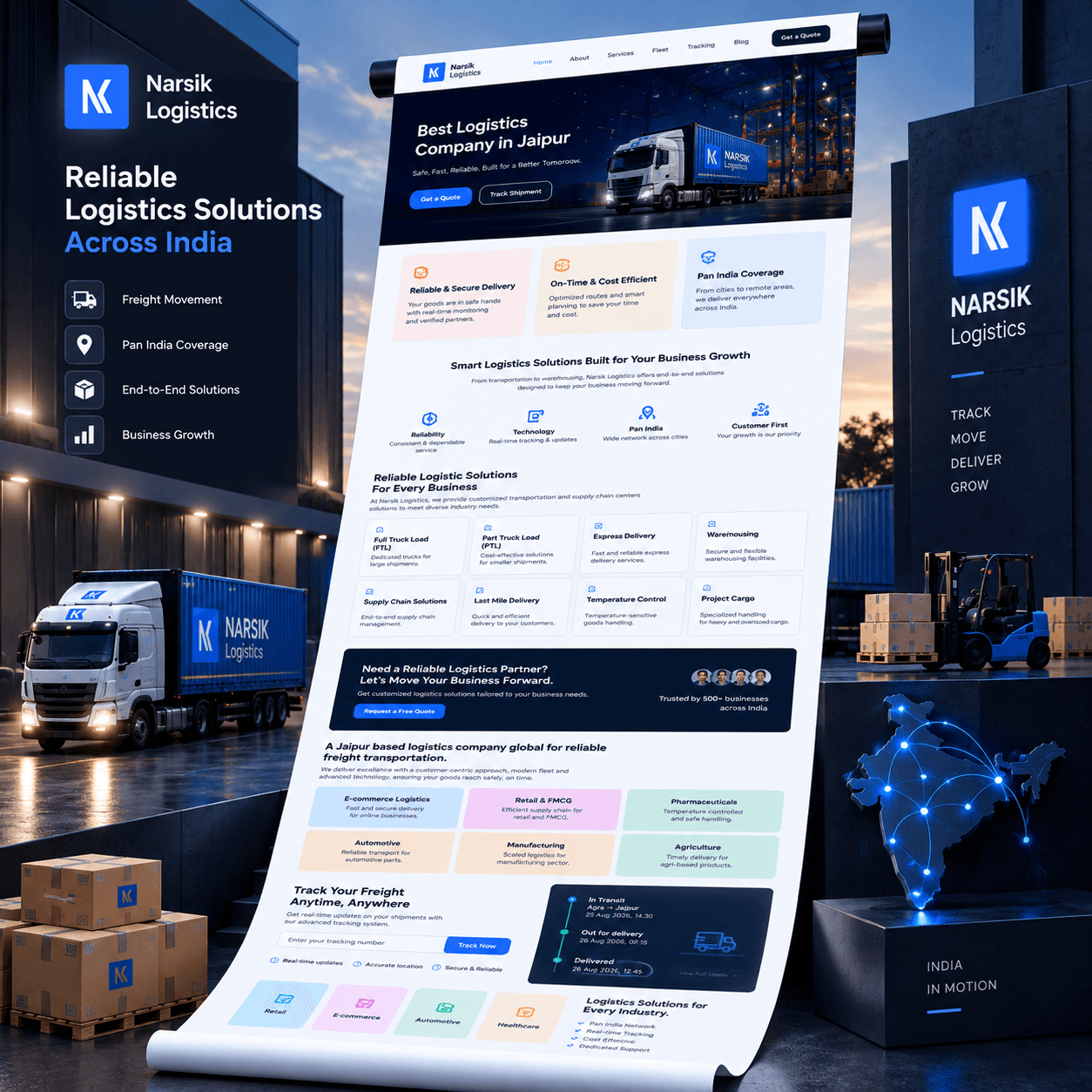
Transport and Logistics
Before building the platform, we identified the main issues in customer communication and shipment handling.
Read the projectFrom the journal
Recent notes from the team. Pieces that match this industry are shown first.
PROJECT PLANNING
A conversation with your docketing lead and IT partner covers most of these.
Which practice management and document management systems do you use?
Which courts and jurisdictions do your deadlines come from?
How are conflicts cleared and ethical walls applied today?
What is your policy on using AI with client materials?
Which outcome matters most: deadline reliability, document retrieval time or client communication?
Practice and document management API access
Docket data provider accounts
Firm AI and confidentiality policy
Attorney reviewers for the pilot
Practice and document management API access
Docket data provider accounts
Firm AI and confidentiality policy
Attorney reviewers for the pilot
Where courts or docketing providers offer data feeds, such as PACER for federal courts or commercial docket services, we can import notices and docket entries. Coverage varies by court, so we confirm it for your jurisdictions.
AI can summarize depositions, contracts and correspondence well when it is grounded in the actual documents and cites page references. Attorneys should review summaries before relying on them, and we test accuracy on sample matters first.
Access is limited to staffed users, ethical walls are enforced in search and AI features, data is encrypted and every access is logged. We also configure which materials, if any, may be processed by AI services.
Systems can propose deadlines from court rules and notices, but rules differ by jurisdiction and change. We treat computed dates as proposals that a responsible attorney or docketing specialist verifies.
Usually not. We integrate with it and build missing workflows, such as intake, docketing or client portals, unless replacement is clearly justified.
The firm owns the software and the matter records it stores. Court and practice-management systems remain under your agreements. We document what is copied in and how a departed user's access is removed.
Yes. Access is by matter and role. A user without a reason to open a file does not receive it, including files used for search or drafting.
One practice workflow: intake, a deadline list, or a document queue with a reviewer. Replacing the practice management system is a later decision.
In the environment the firm approves. Documents are not sent to a model or a vendor unless that destination is named in the scope and the firm's confidentiality rules allow it.
Tell us how your team manages matters today. We'll scope a pilot for one practice group.
Tell us how the work runs today, which systems already hold the data, and what a useful first release would change. We use that to judge scope before anyone writes a proposal.
The form goes to a solutions architect at THE TISA. You get a direct reply on fit, approach, and what we would need from your team.
Tell us about the workflow or product. A solutions architect replies within one business day.

