
Asset registers out of step with field inspections
01Inspection findings are recorded on paper or in separate apps, so the asset register and GIS don't reflect real conditions.
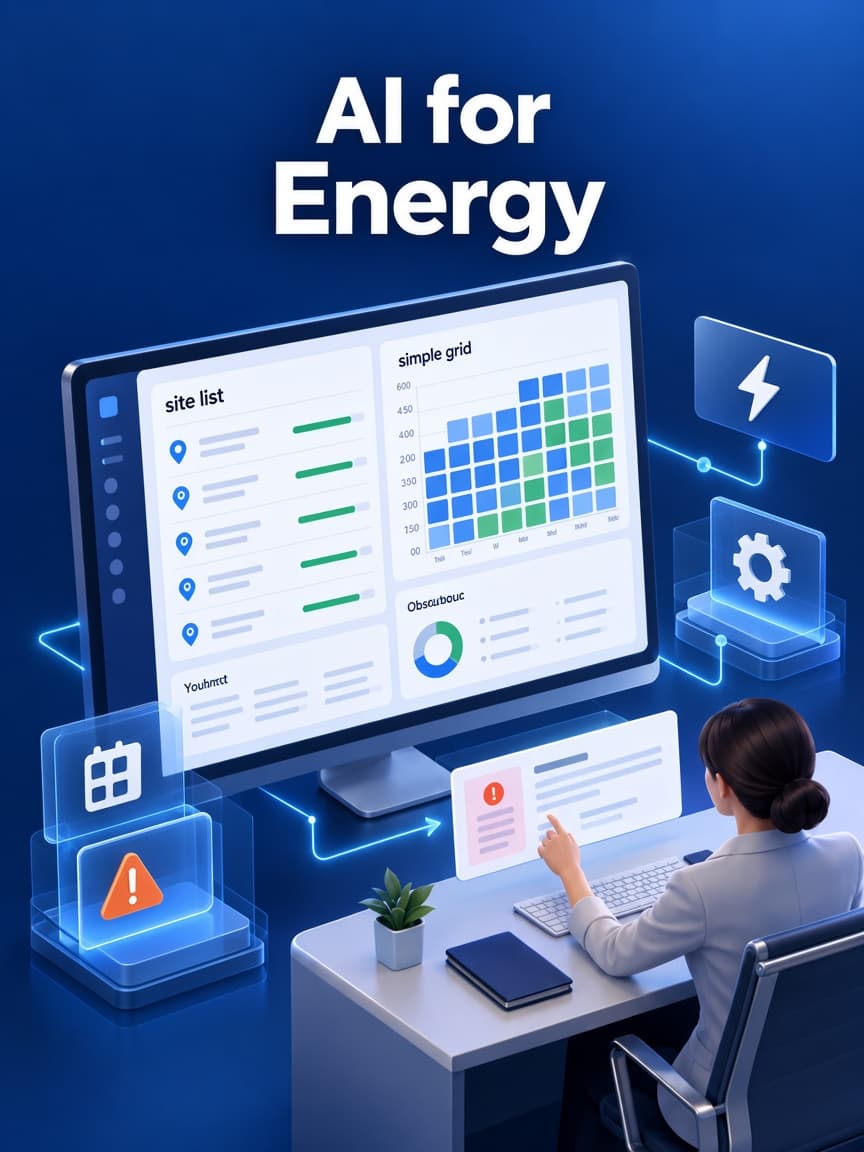
We build field inspection apps, maintenance workflows and customer service portals that use your GIS and asset registry, work offline in the field and stay separate from control systems.
Utilities, renewable energy operators, asset managers and field service teams






THE OPERATIONAL GAP
Energy and utility teams depend on accurate asset records and timely field data. These are the gaps we look for first.
Inspection findings are recorded on paper or in separate apps, so the asset register and GIS don't reflect real conditions.
Crews are dispatched without recent inspection results, photos or history, leading to repeat visits.
Customers receive inconsistent outage and service updates across phone, web and text.
Meter, billing and operational data use different identifiers and timing, complicating reporting and investigations.
Inspection findings are recorded on paper or in separate apps, so the asset register and GIS don't reflect real conditions.
Crews are dispatched without recent inspection results, photos or history, leading to repeat visits.
Customers receive inconsistent outage and service updates across phone, web and text.
Meter, billing and operational data use different identifiers and timing, complicating reporting and investigations.
WHAT WE BUILD
We work alongside your GIS, asset management, CIS and OT systems rather than replacing them.
01
Preventive and corrective maintenance tied to the asset registry and condition history.
02
Offline-capable mobile apps with map views, checklists, photos and GPS-stamped findings.
03
Asset health, work backlog and performance views drawn from business systems and read-only telemetry.
04
Service requests, outage reporting and status updates connected to work management.
01
Preventive and corrective maintenance tied to the asset registry and condition history.
02
Offline-capable mobile apps with map views, checklists, photos and GPS-stamped findings.
03
Asset health, work backlog and performance views drawn from business systems and read-only telemetry.
04
Service requests, outage reporting and status updates connected to work management.
WORKFLOW EXAMPLE
An example field workflow. Priority rules, crew qualifications and approval steps are set with your operations team.
InputTelemetry threshold, inspection finding or customer report
OutputIssue record with source, location and evidence
01InputIssue record and GIS/asset registry
OutputIssue linked to the correct asset, circuit or site
02InputAsset criticality, condition and safety factors
OutputPriority and recommended response time
03InputPrioritized work and crew availability
OutputApproved assignment to a crew with the required qualifications
Review required
04InputField results captured offline or online
OutputClosed work order, updated asset condition and GIS attributes
05SYSTEM DESIGN
A reference design that keeps business applications separate from operational control systems.
Asset registry and GIS adapter -> Meter and telemetry read interface -> Work order and dispatch service -> Offline-first field app -> Operations and customer views
01
Reads assets, locations and network models from your GIS and asset management systems.
02
Imports read-only meter and sensor data through historians or approved data feeds.
03
Creates, prioritizes and assigns work with crew qualifications and scheduling rules.
04
Lets crews view maps, records and checklists and capture results without connectivity, syncing safely later.
05
Give supervisors work and asset dashboards and customers request and outage status.
Technology
A working set we already use for workflow software. The exact tools are chosen after the interfaces, records, and review points are known.
DESIGN TRADE-OFFS
Safety and critical infrastructure security drive most of these choices.
Field and maintenance apps should read operational data but not issue control commands; SCADA and control networks stay separate.
Agree the data boundary with your OT security and operations leads.
Remote sites with poor connectivity may need edge buffering; others can rely on historian or batch imports.
Survey site connectivity and data latency needs.
Prediction needs consistent condition and failure history across asset classes; schedules and condition thresholds remain the baseline.
Assess data coverage for each asset class before modeling.
Field and maintenance apps should read operational data but not issue control commands; SCADA and control networks stay separate.
Agree the data boundary with your OT security and operations leads.
Remote sites with poor connectivity may need edge buffering; others can rely on historian or batch imports.
Survey site connectivity and data latency needs.
Prediction needs consistent condition and failure history across asset classes; schedules and condition thresholds remain the baseline.
Assess data coverage for each asset class before modeling.
SECURITY & COMPLIANCE
We design with your OT security team so business applications don't create new paths to control systems.
This software is not SCADA or control software and does not provide regulatory certification. Bulk electric system entities may be subject to NERC CIP requirements; scope must be confirmed with your compliance team.
Operational data flows outward through approved, monitored interfaces; business apps never connect directly to control networks.
Changes to asset records, priorities and procedures follow approval workflows with full history.
Crews sign in with strong authentication, and only qualified, authorized workers can accept certain work types.
Field data captured offline keeps device, user, time and location, and conflicts are resolved by rules, not overwrites.
DELIVERY APPROACH
We pilot with one asset class and crew before scaling across regions.
01
Inventory GIS, asset, CIS and OT systems and agree data boundaries.
Signed system inventory and OT data boundary agreement.
02
Ride along with crews and map inspection and work order steps.
Approved field workflow, checklists and asset data mapping.
03
Deliver inspection-to-work-order for one asset class.
Pilot running with one crew on real assets.
04
Test long offline periods, sync conflicts and urgent escalations.
Test results for offline sync, conflicts and escalation timing.
05
Expand region by region with training and support.
Rollout plan, training records and operations sign-off per region.
Published work
A published project in this industry is not in the portfolio yet. These are published projects from other operations. The industry on each card is the one that work was built for.
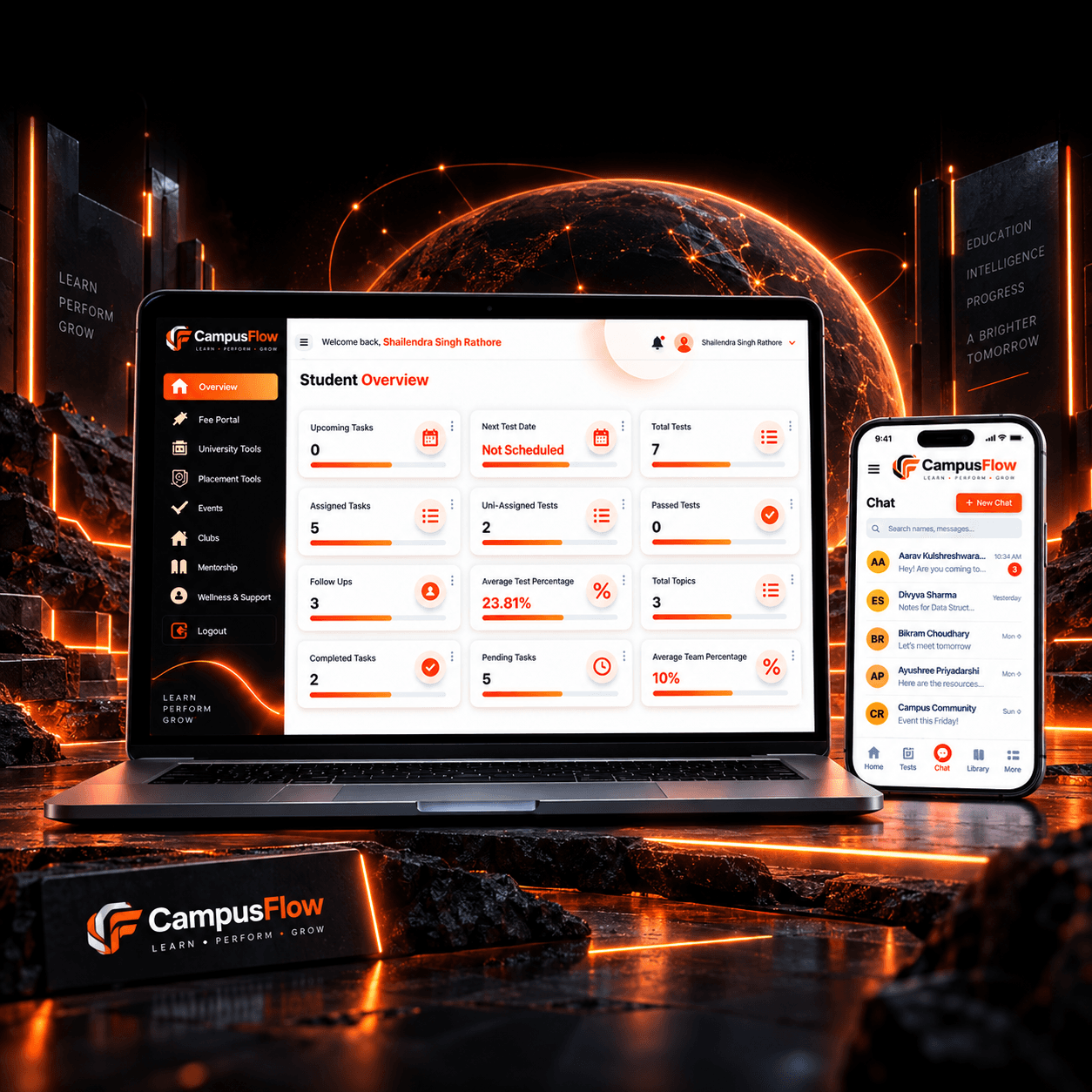
EdTech / Student Management
The client needed one system to manage student activities without using separate tools or manual records.
Read the project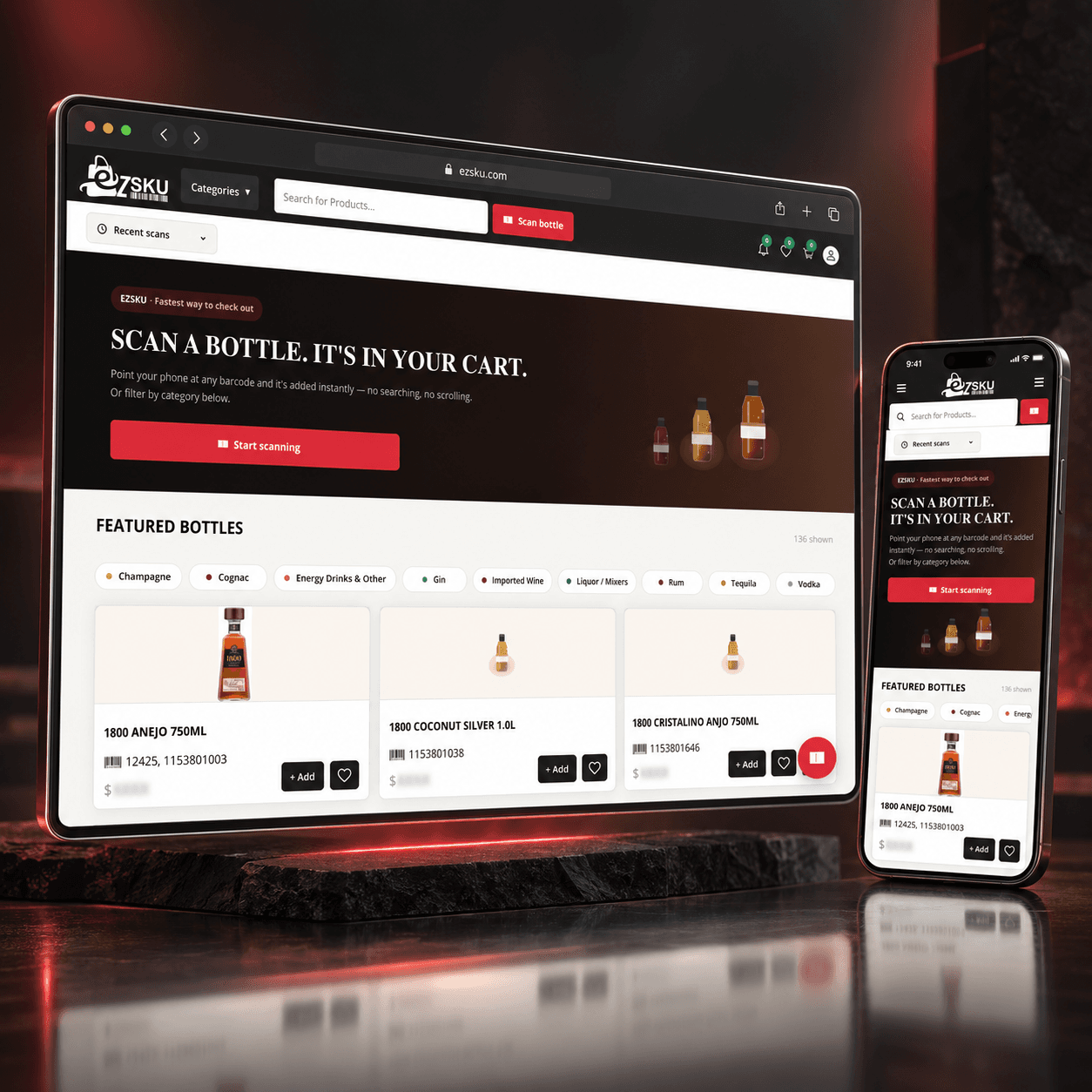
E-commerce / Beverage and Liquor Distribution
The client was facing several problems in the existing product search and ordering process:
Read the project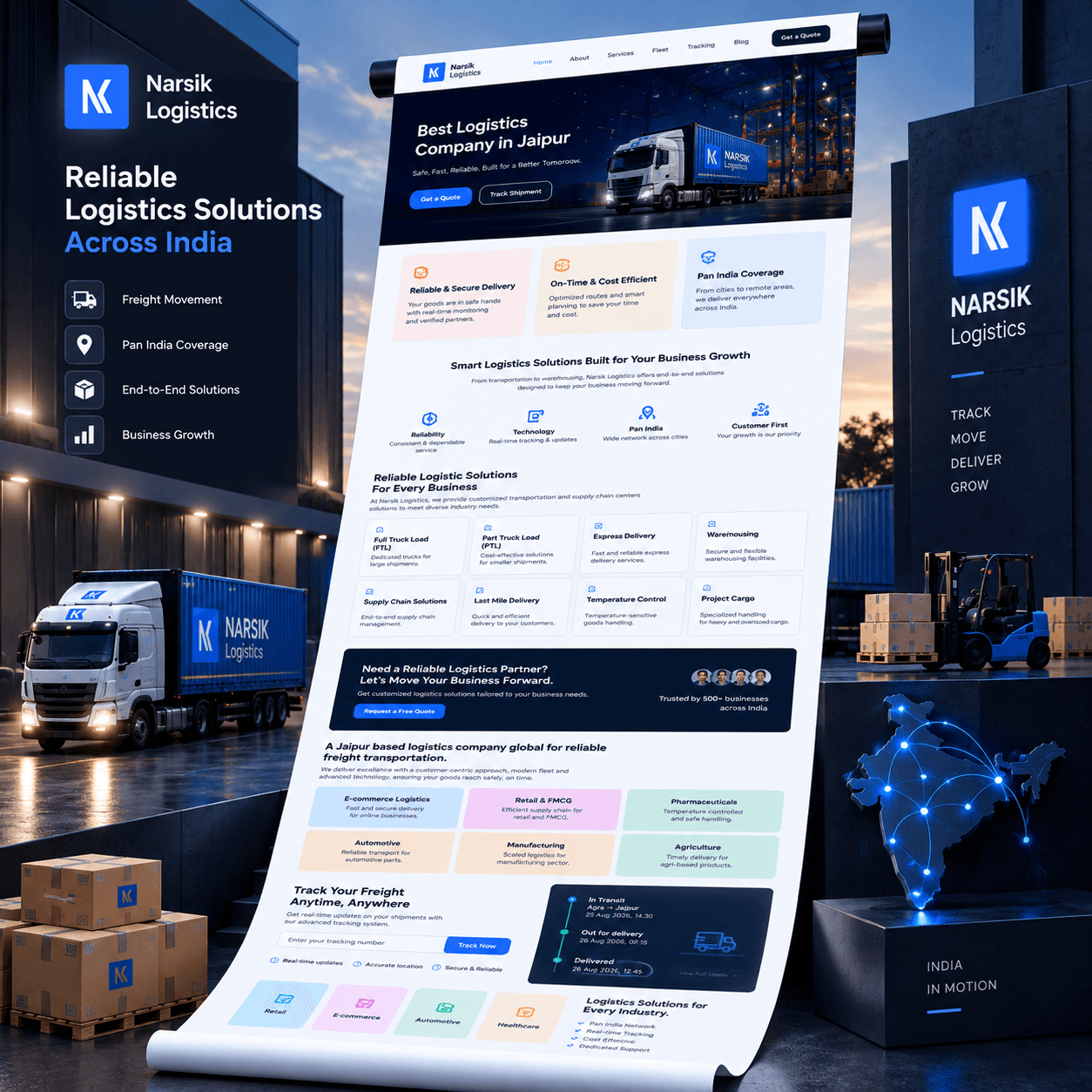
Transport and Logistics
Before building the platform, we identified the main issues in customer communication and shipment handling.
Read the projectFrom the journal
Recent notes from the team. Pieces that match this industry are shown first.
PROJECT PLANNING
These questions establish the safe boundary and the first asset class.
Which GIS, asset management, CIS and work management systems are in use?
Which data may business applications read from operational systems?
Which asset class and region should the pilot cover?
How long are crews offline, and on what devices?
Which outcome matters most: inspection backlog, repeat visits or customer updates?
GIS and asset system access
OT security approval
Pilot crew and devices
Compliance review for applicable standards
GIS and asset system access
OT security approval
Pilot crew and devices
Compliance review for applicable standards
Yes, typically through platform APIs such as ArcGIS services and your asset or work management system's interfaces. We map asset identifiers between systems so field results update the right records.
Yes. Crews can view maps, asset records and checklists and capture results without signal. Data syncs when connectivity returns, with conflict rules so updates aren't lost or overwritten.
In some asset classes, if you have consistent condition data and failure history. We assess data first; where it's limited, we start with condition thresholds and build the history needed for prediction.
Our applications stay on the business side of your network. Operational data is read through approved, monitored interfaces, and we never issue control commands. Designs are reviewed with your OT security team.
No. We build business, field and customer applications that use operational data, and leave control systems to specialized vendors and engineers.
You own the application and the operational records it stores. GIS, EAM, and control systems remain the sources you designate. We do not treat a field note as a command to equipment.
It can store a crew's assigned work and sync when the connection returns. Conflicts, such as two updates to the same asset, are shown to a person instead of overwritten.
One asset workflow: inspections, outage tickets, or work orders for a single region. Control-system changes and SCADA replacement are out of scope unless separately defined.
Field users get the records their job needs. The application does not open a path from a personal device into operational technology. That boundary is agreed with your security team before build.
Tell us your systems and the asset class that causes most work. We'll scope a safe pilot with one crew.
Tell us how the work runs today, which systems already hold the data, and what a useful first release would change. We use that to judge scope before anyone writes a proposal.
The form goes to a solutions architect at THE TISA. You get a direct reply on fit, approach, and what we would need from your team.
Tell us about the workflow or product. A solutions architect replies within one business day.

